
About the series: We often talk about how Golden Path Solutions and our online platform Compass help drive your future workforce, but how does that really work? How does Compass, our relationship with schools and students, and your employer membership tactically help find your future talent?
This is the second of a two-part series where we break it down for you. This month, we’re exploring best practices for building student connections, including using our updated employer marketing resources. Last month, we focused on Career Profiles and work-based learning (WBL).
Best practices for connecting with students
You don’t need to build your future workforce alone. As we discussed last month, Golden Path uses Career Profiles and work-based learning (WBL) in Compass to help employers like you build lasting connections with students.
But we take our role as your workforce partner to the next level. We provide you with the strategies and resources to strengthen those ties and broaden your reach. The following best practices will help you make the most of your student engagement. We also recently updated our employer marketing resources to provide you with more tools to share your company and opportunities.
Recommendations for engaging with students
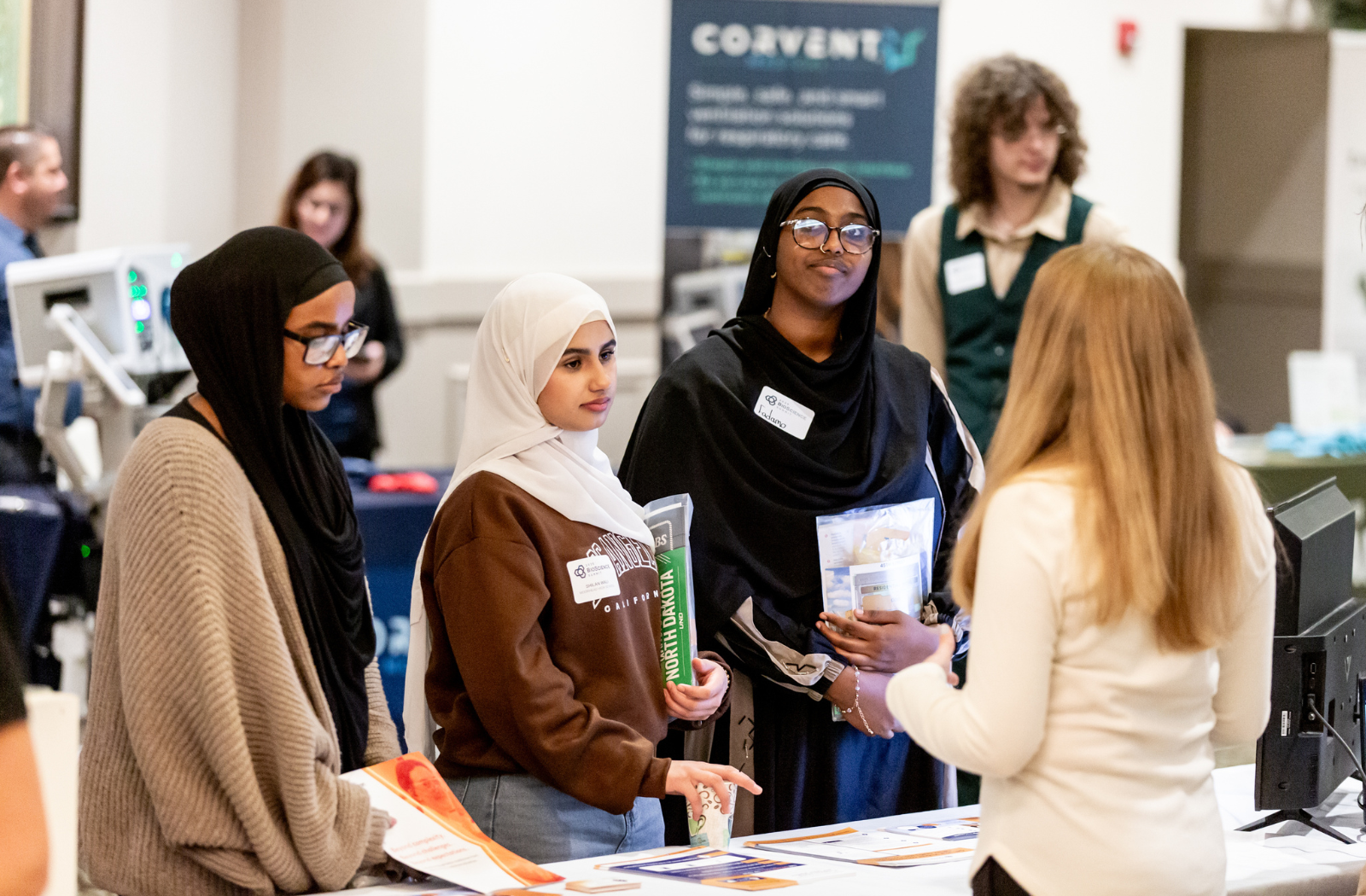
With your future workforce in mind, your company can foster ongoing connections with students directly in Compass or during face-to-face events and activities, including career fairs, classroom presentations, speaking events, and on-site visits to your business. Ensuring that these interactions engage and interest students can later help lead to interest in your internships, summer jobs, Sponsorships, and more.
We recommend these steps to help maximize your interactions with students. You don’t need to do everything at once. Rather, look at these recommendations as best practices and start working them into your opportunities as your schedule allows.
Two weeks from your event: Update your Compass information.
Spend a few minutes in Compass refreshing your company profile, publishing work-based learning opportunities (even quickly adding a simple job shadow), and updating your Career Profiles (especially any incentives you may be offering, like scholarships, tuition reimbursement, and new relationships with colleges). Add a short video and photos, if possible. You want students to have access to your latest information.
One week from your event: Create marketing materials with our templates.
We’ve made it easy to market your company and opportunities. Use our templates to quickly create everything from flyers and signs to social posts. (See below for more information.)
One week from your event: Add your unique Compass URLs to your materials.
With a paid membership, Compass includes open URLs for your employer profile, Career Profiles, and WBLs. Drop these addresses into our marketing templates or even add them to your company materials and socials. It’s a great way to reach students.
During the event: Use your Compass profile and opportunities to engage students.
Direct students to Compass to learn more about who you are and what you offer. Include a URL, share flyers, or bring a tablet or computer to encourage real-time engagement. Recommend that students follow up with you in Compass after the event.
After the event: Respond to students in Compass.
Students can find more information about you in Compass after the event, as well as apply for WBLs, review your Career Profiles, and contact you. They’ll also find all of the links to your website, socials, career information on O*NET Online, and more. Compass serves as a central hub for everything students need from you. Be sure to respond to requests from students.
Marketing resources to share your company and opportunities
We’ve recently refreshed and expanded the Employer Marketing Resources page in Compass – designed to provide you with valuable marketing tools for reaching students. These resources are included with paid employer memberships.
The new page features the following tools:
Student Compass handout templates
These half-page flyers are customized for ND, non-ND, or any state students. The front page includes login information for Compass, and the back page is designed for your company and opportunities. Add your logo, pictures of your team, the opportunities you’re offering, or whatever else you want students to walk away with.
Social post design and content templates
Using our templates, simply add your company logo or photos, your Compass open URLs, and any personalized details to share your company and opportunities via your social media accounts.
Compass member sign template
Create a QR code for your Compass profile, drop it into the template, print, and frame it for a tabletop display at career fairs and other events. If students can have their cell phones with them, it’s an easy way for them to find you in Compass.
Golden Path and Compass information
Use this short description to include Compass information in your own marketing materials, whether online or in print. It lets others know who we are and how we’re helping highlight your company and opportunities.
Compass logos
Add our logos to any of your own marketing materials or socials to help share your opportunities. We also share logos for RUReadyND and NDCTE. Students will recognize all of these logos from using the platform.
Best practices guidelines for these resources
Need some other tips for using these resources? We’ve got you. Save this file to your phone or computer.
Marketing resource instructions for career fair hosts
We understand that sometimes those people working a career fair table are not the same people updating your Compass account. Use this file to ensure everyone is on the same page regarding these resources.
Need an example? Read our story about how Wallwork Truck Center uses Compass and in-person visits to reach more students. Wallwork is using everything from Career Profiles and WBL opportunities to the student handout templates to foster valuable student connections.
For more information or help in getting started, contact us today.
Next month, watch for our feature on the new Career Profile layout moving to the default setting in Compass. See how your profiles can attract more attention with more images, a video, easier to navigate links and resources, and more.